
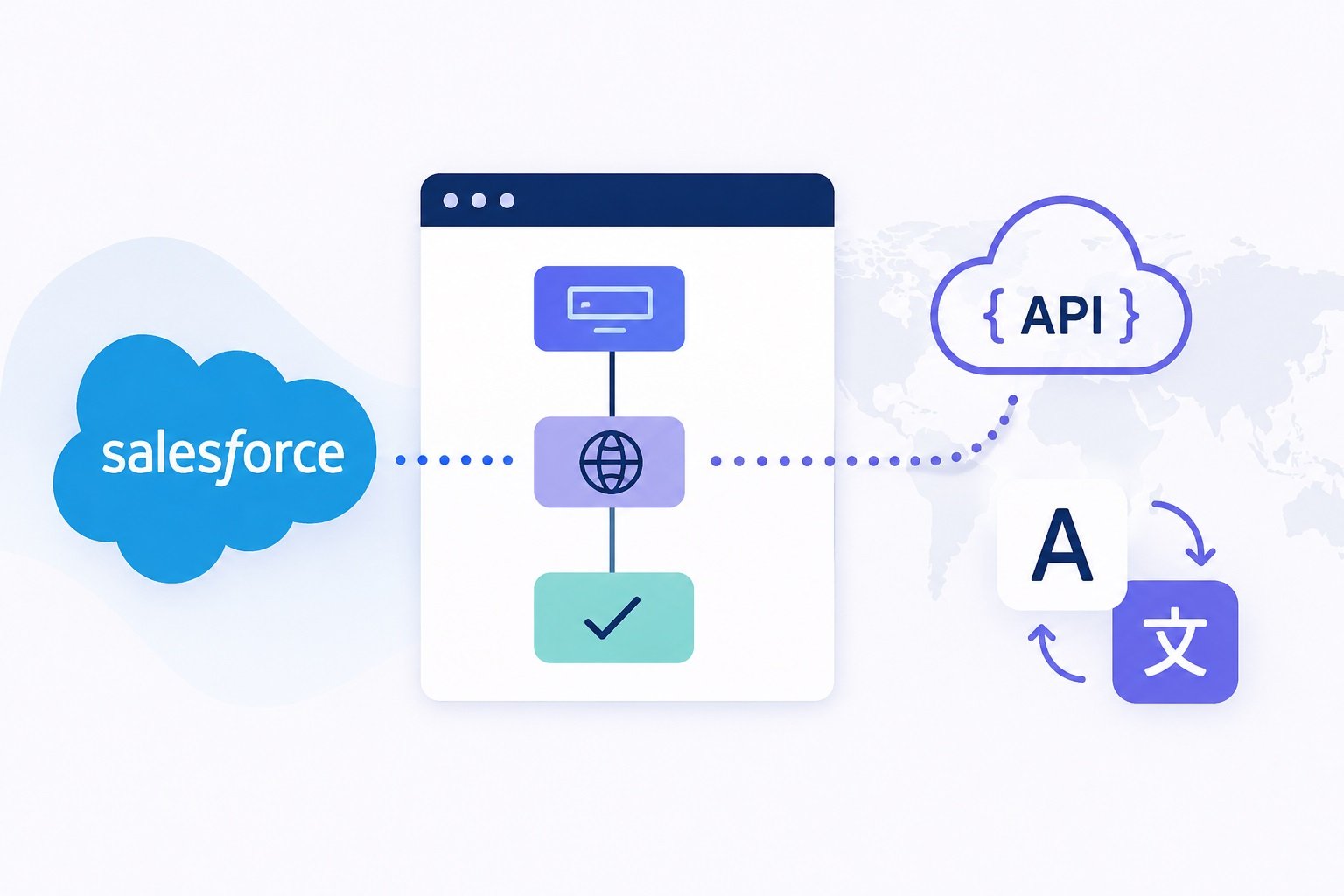
Making HTTP callouts from Salesforce is a great way to integrate with external services without writing complex Apex code. Thanks to Screen Flows and Salesforce’s built-in HTTP Callout action, you can connect to REST APIs using a simple, declarative approach.
In this quick tutorial, we’ll build a basic translation tool using the free MyMemory Translation API (https://mymemory.translated.net/doc). Because the service doesn’t require authentication, we can focus entirely on the fundamentals of making an HTTP request, passing parameters, handling the JSON response, and displaying the translated text back to the user.
Whether you’re new to API integrations or simply want to learn how HTTP callouts work in Salesforce Screen Flows, this guide will help you get started in just a few minutes.
In the video below, I’ll guide you through the complete process of building an HTTP callout to a free external translation service using a Salesforce Screen Flow. We’ll start by creating the initial Screen Flow, configure the required Apex actions, and finish by displaying the translated response on the same screen by looping back through the Flow after processing the API response.
There are no edits to this video – just me simply playing around with a Screen Flow, no distracting sounds as well, so sit back and enjoy!
Leave a Reply